Dragon Legal
Dragon Legal 15 | AI-Powered Legal Dictation & Document Drafting Software
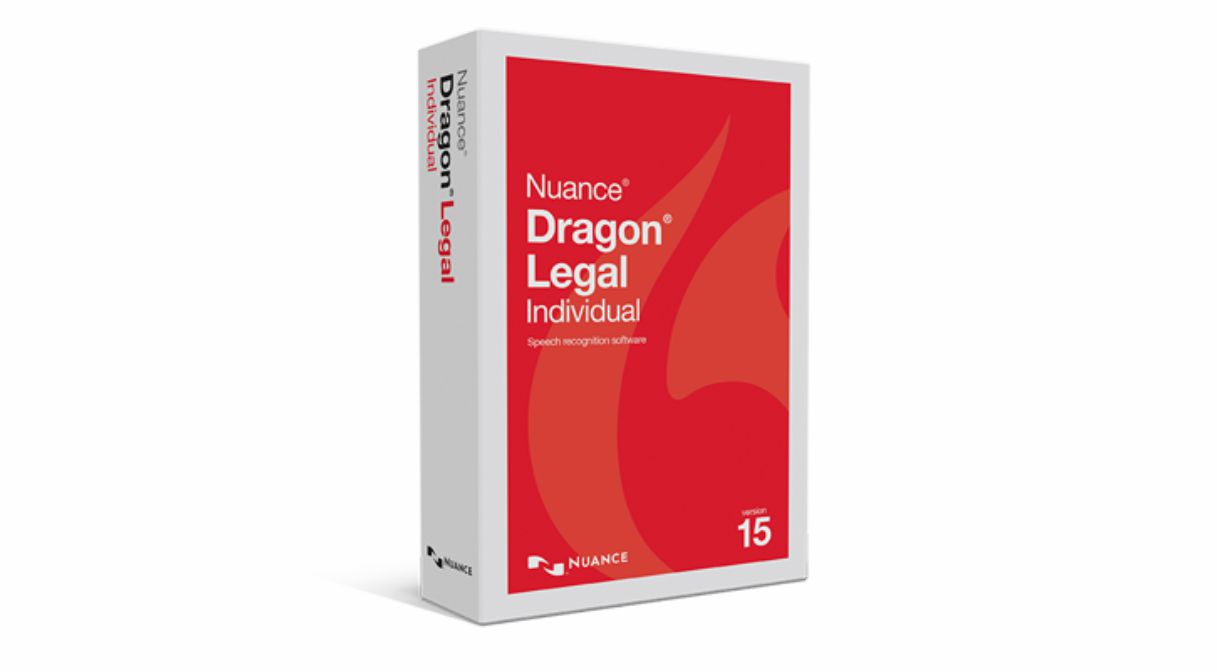
Dragon Legal 15 ESD provides a faster, more efficient method for legal professionals to draft contracts, dictate briefs, prepare court documents, and compose professional correspondence with exceptional accuracy and control.
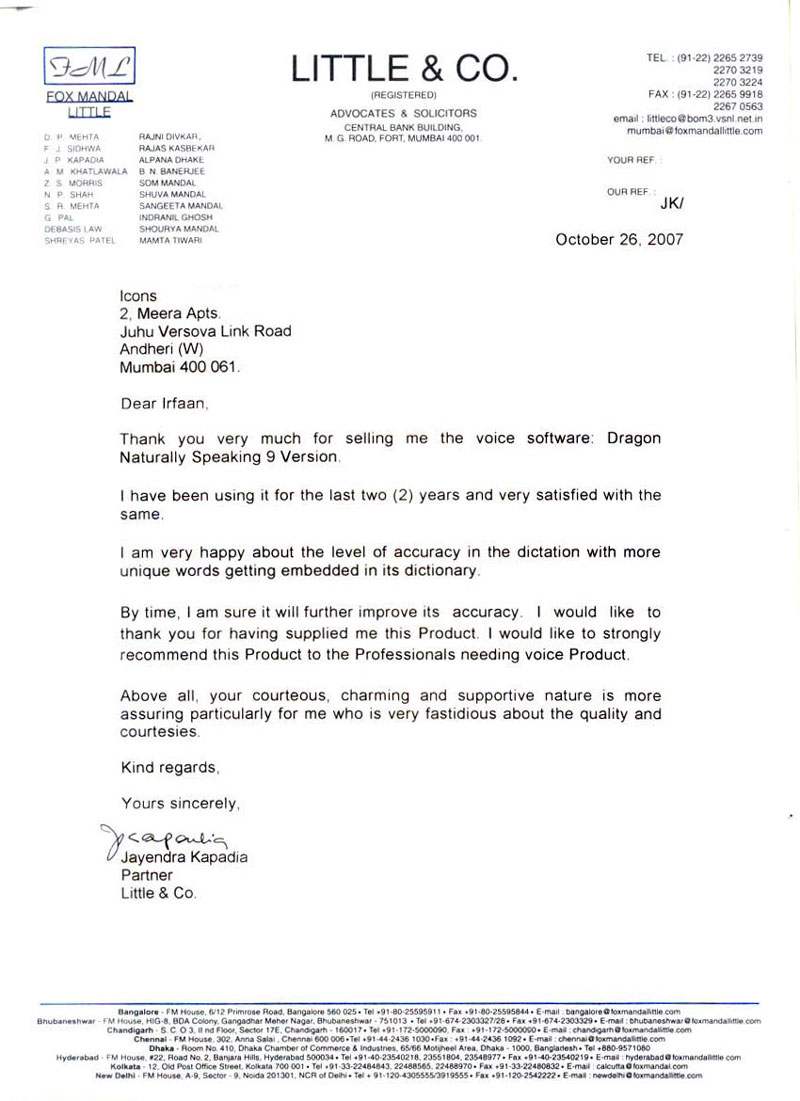
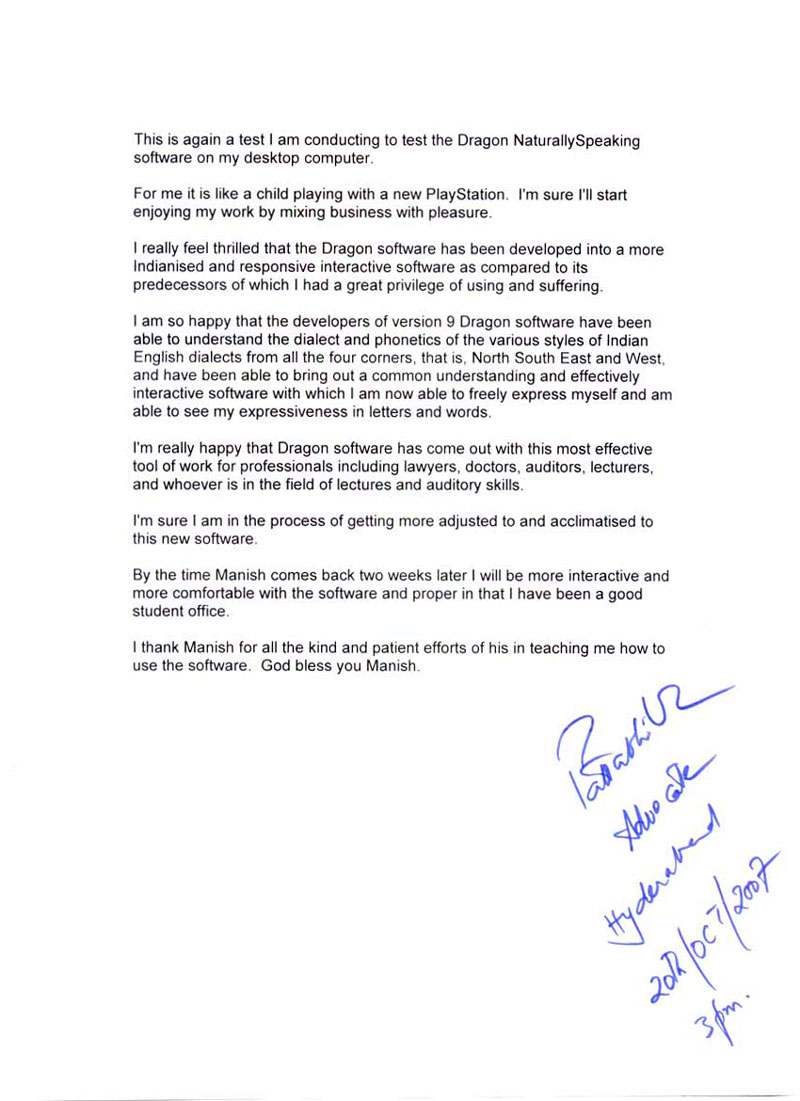
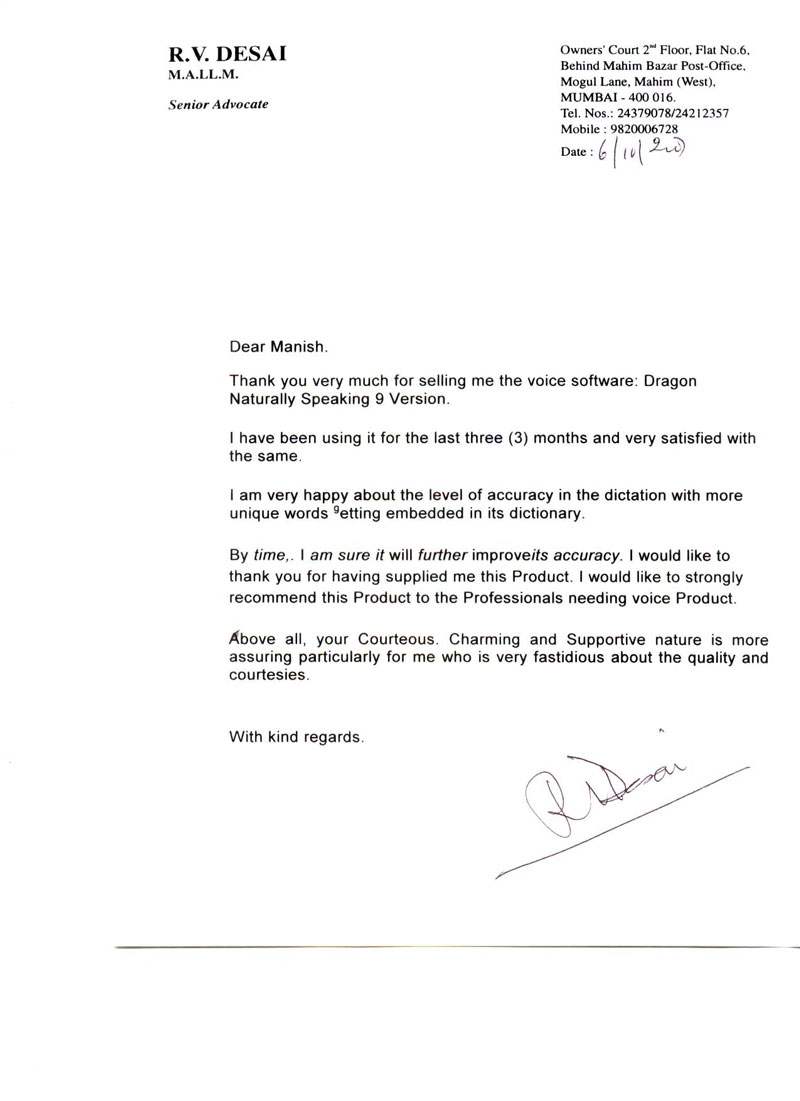
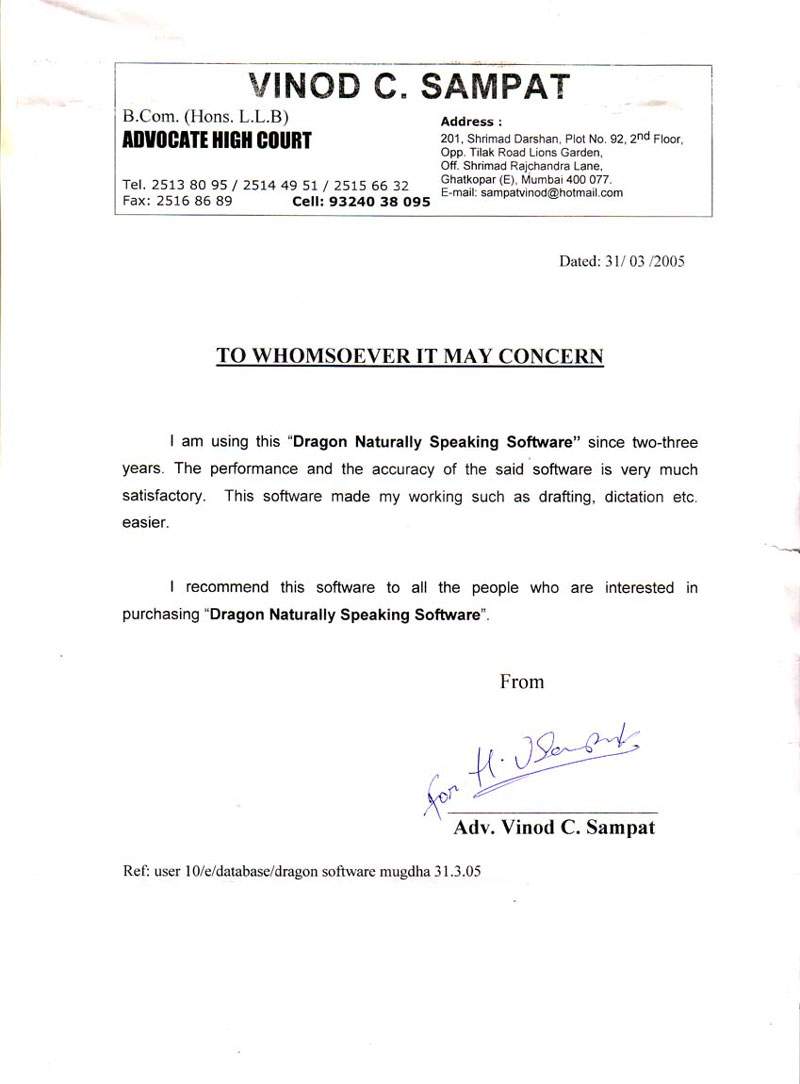
Convert speech into text up to three times faster than typing, with up to 99% recognition accuracy across virtually all Windows-based applications—enabling uninterrupted workflow within legal drafting environments.
The solution includes a pre-configured legal vocabulary of over 30,000 legal terms and phrases, with built-in formatting for legal citations, ensuring documents are structured in accordance with professional legal standards.
Create, edit, and finalize legal documents using custom voice commands to insert clauses, automate templates, and execute repetitive tasks instantly—significantly reducing drafting time and administrative dependency.
Enhanced correction tools and third-party editing capabilities streamline document review, minimize turnaround time, and improve overall productivity within high-demand legal practices.
Dragon Legal: System Requirements & Hardware Compatibility for Legal Dictation
The installation process automatically verifies that your system meets the required technical specifications for Dragon Legal voice-to-text software. Installation will not proceed if minimum requirements are not satisfied.
- RAM: Minimum 4 GB (Higher RAM recommended for optimal performance with legal speech recognition)
- Processor: Intel® Dual Core or equivalent AMD processor (SSE2 instruction set required)
- Important: SSE2 instruction set is required – mandatory for Dragon Legal 15 voice engine
- Processor Cache: Recommended 2 MB L2 cache (Minimum 512 KB)
- Hard Disk Space: Minimum 8 GB available for legal document automation profiles
- Installation Requirement: 3.2 GB (Up to 4 GB for localized legal versions)
- Download Installation: Up to 3× additional temporary space required during installation
- Supported OS: Windows 8.1, Windows 10, Windows 11 (32-bit & 64-bit) — compatible with leading legal case management software
Dragon Legal enables legal professionals to dictate, edit, and manage documentation seamlessly across platforms such as Microsoft Word, Outlook, and other Windows-based applications.
Key capabilities include:
- Up to 99% speech recognition accuracy with support for legal terminology and citation formats
- Advanced voice shortcuts for drafting emails, scheduling, and document navigation
- Custom voice commands for inserting frequently used legal text and clauses (depositions, motions, discovery)
- Support for digital voice recorders with automatic transcription
- Audio playback with synchronized text highlighting for precise proofreading
- Centralized user profiles with roaming capability across law firm networks
- Multi-device compatibility including wireless and Bluetooth microphones
📁 Essential Resources for Dragon Legal: User Guides & Video Walkthrough
📄 Dragon Legal Product Brochure & Datasheet
Download the official legal speech recognition brochure. Includes feature comparison, legal vocabulary examples, and productivity benchmarks.
Download PDF Guide🎥 Dragon Legal Demo: Voice-Driven Legal Drafting
Watch how legal professionals use voice commands to create motions, contracts, and case files with 99% accuracy.
🔗 Trusted Outbound Resources & Legal Tech References
Explore external platforms for advanced insights on Dragon Legal speech recognition, legal AI tools, and attorney productivity solutions.
Why Law Firms Choose Dragon Legal for Automated Document Production
⚡ Boost legal drafting efficiency with AI-powered voice commands
Legal professionals experience up to 60% reduction in documentation time using Dragon Legal's legal speech recognition engine. The software adapts to complex legal jargon, Latin phrases (habeas corpus, voir dire, etc.), and case-specific terminology. It integrates directly with practice management platforms like Clio, MyCase, and Time Matters.
📑 Customizable voice macros for repetitive legal clauses
Attorneys can create voice-activated shortcuts for entire paragraphs — from standard indemnity clauses to discovery requests. Dragon Legal 15 remembers formatting preferences, signature blocks, and court-specific caption styles.
🔒 Security & compliance for legal dictation workflows
All voice profiles and transcribed documents remain on local workstations or encrypted network drives, ensuring client confidentiality and compliance with data protection regulations. Dragon Legal also supports multi-user profiles for shared workstations in busy law offices.
📊 Integration with leading legal software ecosystem
Seamlessly dictate directly into WordPerfect, LexisNexis, Westlaw Edge, and other legal research tools. Dragon Legal’s voice-driven automation reduces reliance on paralegal transcription and speeds up billable documentation.
✅ Dragon Legal 15 ESD — Optimized for solo practitioners, boutique law firms, and corporate legal departments.